By early 2026, what we call a “fast” computer is no longer judged only by clock speed. Now the focus is on TOPS (Trillion Operations Per Second). The AI PC shift has brought heavy processing from distant servers straight to your personal machine.
At KOLAACE™, we closely observe these changes because delay breaks productivity. In practical terms, even a few seconds of waiting for a cloud response during a meeting can disrupt your flow. With Local Inference, everything happens instantly on your device, helping you stay focused without interruptions.
I. The “Engine Room”: NPU Power & TOPS
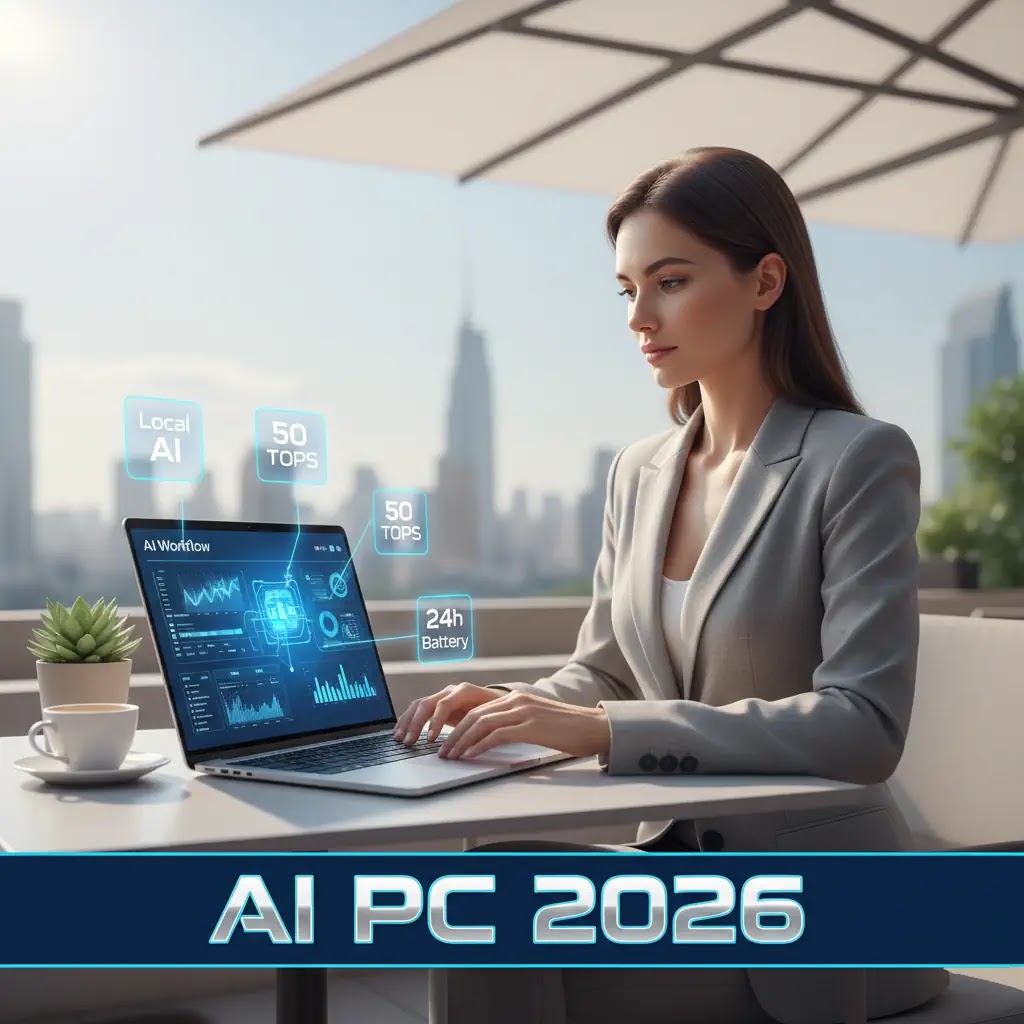
The Neural Processing Unit (NPU) works as the core component of an AI PC. By 2026, systems following the Copilot+ standard are expected to deliver at least 40 to 50 TOPS for smooth and reliable performance in daily professional tasks.
AI PC Market Penetration: Global Workforce (2024-2027)
*Share of new enterprise laptops that include dedicated NPUs.*
II. Top 5 AI Features for Remote Productivity
In 2026, remote professionals do not just search for files anymore. They simply remember what they did, and the system finds it instantly.
| Feature | 2026 Implementation | Remote Work Benefit |
|---|---|---|
| Windows Recall | Searches everything you have seen on your screen using local AI. | Locate an old WhatsApp Web or Slack message within seconds without endless scrolling. |
| Live Translation | Converts speech to text in real time, even without internet. | Work easily with clients from different countries, even if they speak another language. |
| Windows Studio Effects | Uses NPU to adjust eye contact and filter background noise. | Attend meetings professionally, even from a busy cafe or home environment. |
| Local LLM Summaries | Runs compact language models directly on your device. | Quickly understand long PDFs or emails without uploading them online, useful for confidential office work. |
III. Hardware Requirements for 2026 Productivity
- The 16/32 Rule: 16GB RAM works as a starting point, but 32GB is ideal for professionals who handle multiple AI tools together without slowdowns.
- 20+ Hour Battery Life: Since AI tasks run on the efficient NPU instead of the GPU, laptops can easily last a full workday. This is useful during travel or power cuts, which are still common in some regions.
- Unified Memory: Systems like Apple’s M4 or AMD Ryzen AI Max+ allow all processors to access the same memory, reducing delays and improving smooth performance.
IV. Privacy: The “Local Brain” Advantage
In 2026, protecting data is a serious concern for businesses. AI PCs support a Zero-Trust AI environment. Since tools like Recall and meeting transcripts run locally on the Microsoft Pluton security processor, sensitive information stays on your device and does not go to external servers.
Thinking about upgrading your setup? Explore how these processors manage the Quantum Leap 2026 or secure your data using our Cybersecurity 2026 Guide.