High-end PC building is reaching a strange point. Many users are still upgrading to RTX 40 or 50 series GPUs, yet early leaks of the next generation flagship are already raising serious questions. Not about performance, but about practicality. How much power is too much, and at what point does a GPU stop fitting into a normal desktop setup.
The rumored RTX 6090, based on the Rubin architecture, is not just another incremental upgrade. It signals a shift toward AI-first computing, extreme power consumption, and hardware that may force users to rethink their entire PC build, including case size, cooling, and power supply.
What the RTX 6090 Represents
This GPU is not being designed only for gaming. It is being built for a future where local AI processing, 3D rendering, simulation, and real-time content creation happen directly on personal machines.
From an engineering perspective, this changes priorities. Instead of focusing only on frame rates, the focus shifts toward memory bandwidth, AI acceleration, and compute density.
- Designed for both gaming and AI workloads
- Focus on massive VRAM capacity
- High power usage to unlock maximum performance
- Expected to redefine workstation level performance at home
Key Specifications and What They Actually Mean
VRAM Capacity
With expected configurations between 32GB and 48GB of GDDR7 memory, this GPU is clearly targeting professionals as much as gamers. For video editors working with 8K timelines or AI developers training models locally, this removes many current limitations.
Power Consumption
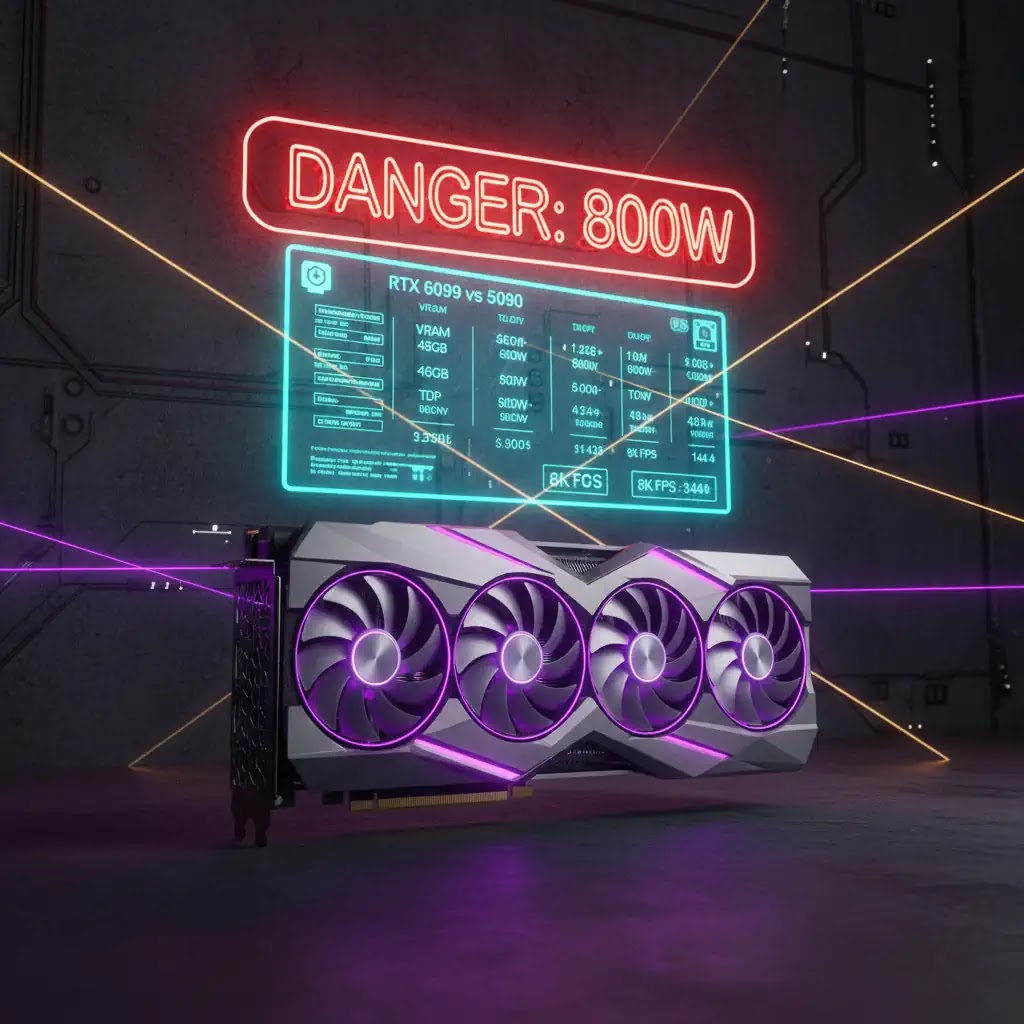
An estimated 800W TDP changes everything. This is not just about plugging in a GPU. It impacts your entire system design.
- Requires high wattage power supply, likely 1200W or more
- Generates significant heat output
- Needs advanced airflow or liquid cooling
Architecture and Performance
The move to a 2nm process improves efficiency per watt, but absolute power consumption still rises. This allows higher transistor density, enabling more cores and better parallel processing.
In real use, this means faster rendering, smoother high resolution gaming, and reduced processing time for complex workloads.
Step by Step: What You Need to Upgrade
Upgrading to a GPU like this is not just a plug and play decision. Based on current hardware trends, here is what most users will need to consider.
- Power Supply upgrade to at least 1000W to 1200W from a reliable brand
- Cabinet Size full tower case recommended due to GPU length and thickness
- Cooling Setup high airflow or liquid cooling becomes essential
- Motherboard Support ensure enough clearance and PCIe support
- Electricity Cost higher monthly consumption for heavy users
This is why many enthusiasts are saying this GPU could mark the decline of compact mid-tower builds for high-end setups.
Real World Use Cases
Content Creators
Video editors, 3D artists, and VFX professionals will see the biggest gains. Rendering that previously took hours could be reduced significantly, especially with AI-assisted tools.
AI Developers
Local model training becomes more practical. Instead of relying entirely on cloud services, developers can run experiments on personal machines.
High-End Gamers
For gamers targeting 4K or even 8K resolution with high frame rates, this GPU provides headroom for future titles.
Small Studios and Freelancers
Instead of investing in expensive cloud infrastructure, small teams can build powerful local workstations.
Market Reality and Pricing Pressure
Memory supply is becoming a critical bottleneck. With data centers consuming large volumes of high-speed memory, consumer GPUs are facing supply pressure.
This leads to two outcomes.
- Higher launch prices
- Limited availability during initial months
For buyers, this means planning purchases carefully instead of rushing at launch.
| Model | Power | Target Use |
|---|---|---|
| RTX 4090 | 450W | Gaming and content |
| RTX 5090 | 600W | High-end gaming |
| RTX 6090 | 800W+ | AI and extreme workloads |
Pros and Cons
Pros
- Massive performance increase
- High VRAM capacity for professional work
- Future ready for AI workloads
- Strong long-term value for creators
Cons
- Extremely high power consumption
- Requires expensive supporting hardware
- Likely high launch price
- Not suitable for compact PC builds
Who Should Buy and Who Should Skip
This GPU makes sense if:
- You work with heavy rendering or AI models
- You need top tier performance without compromise
- You are building a high-end workstation
You may want to skip if:
- You play casual or mid-range games
- You have limited power or cooling setup
- You prefer compact PC builds
Best Practices Before Upgrading
- Calculate total system power requirements carefully
- Invest in a reliable PSU with headroom
- Plan airflow and cooling before purchase
- Check physical dimensions of GPU and case compatibility
- Wait for real benchmarks before final decision
Final Verdict
The RTX 6090 represents a turning point in GPU evolution. It is less about incremental gaming gains and more about enabling entirely new workflows. However, it comes with trade-offs that cannot be ignored.
For most users, waiting or choosing a lower tier GPU will remain the practical choice. But for professionals and power users, this could become the centerpiece of next generation computing setups.
Frequently Asked Questions (FAQ)