By February 2026, the definition of a “fast” computer has fundamentally changed. We no longer measure performance solely by Gigahertz; we measure it in TOPS (Trillion Operations Per Second). The AI PC Revolution has moved processing from distant, energy-hungry servers directly to your desk.
At KOLAACE™, we track these hardware shifts because Latency is the Enemy of Flow. In 2026, waiting for a cloud server to summarize a meeting is a competitive disadvantage. You need Local Inference to stay in the zone.
I. The “Engine Room”: NPU Power & TOPS
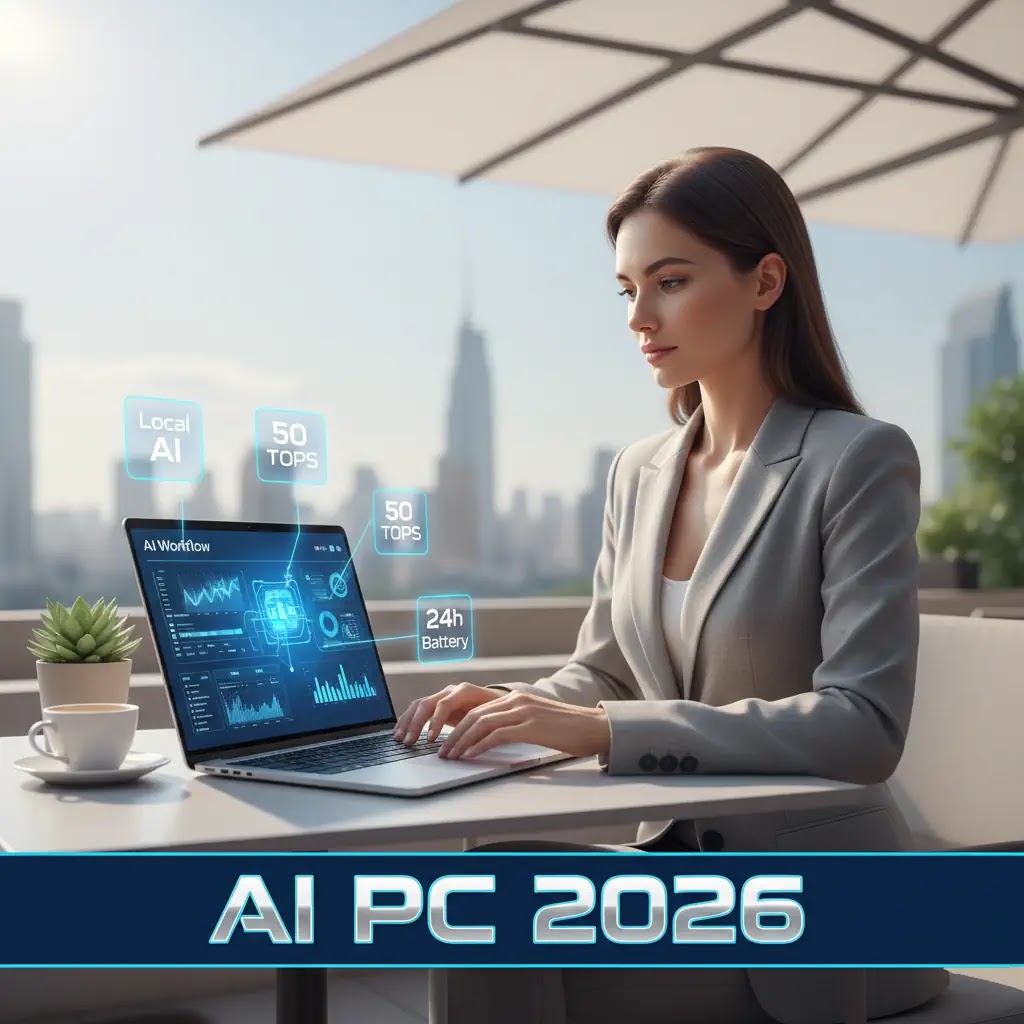
The Neural Processing Unit (NPU) is the heart of the AI PC. In 2026, the Copilot+ standard requires at least 40-50 TOPS for professional-grade productivity.
AI PC Market Penetration: Global Workforce (2024-2027)
*Percentage of new enterprise laptop shipments featuring dedicated NPUs.*
II. Top 5 AI Features for Remote Productivity
The 2026 remote worker is no longer “searching” for files; they are “recalling” interactions.
| Feature | 2026 Implementation | Remote Work Benefit |
|---|---|---|
| Windows Recall | Local semantic search across all screen history. | Find that “one Slack message” in 2 seconds without scrolling. |
| Live Translation | Real-time, offline audio-to-text translation. | Collaborate with global teams in 40+ languages natively. |
| Windows Studio Effects | NPU-powered gaze correction and voice isolation. | Professional video presence from a noisy coffee shop. |
| Local LLM Summaries | Small Language Models (SLMs) running on the NPU. | Instant PDF/Email summaries without data leaving the PC. |
III. Hardware Requirements for 2026 Productivity
- The 16/32 Rule: While 16GB RAM is the minimum for AI PCs, 32GB is the standard for power users in 2026 to ensure the NPU doesn’t starve for memory.
- 20+ Hour Battery Life: The offloading of AI tasks to the energy-efficient NPU (instead of the GPU) allows for true “all-day” remote work.
- Unified Memory: Architectures like Apple’s M4 or AMD’s Ryzen AI Max+ allow the CPU, GPU, and NPU to share data instantly, reducing bottlenecks.
IV. Privacy: The “Local Brain” Advantage
In 2026, data privacy is a top-tier business risk. AI PCs offer a Zero-Trust AI environment. Because your “Recall” data and meeting transcripts are processed locally on the Microsoft Pluton security processor, sensitive company intellectual property never touches the public cloud.
Ready to upgrade your remote setup? See how these chips handle the Quantum Leap 2026 or protect your local data with our Cybersecurity 2026 Guide.