If you are planning a high end PC build for the next few years, there is one mistake that can quietly ruin everything. Choosing the wrong power supply. Most users focus on CPU and GPU, but ignore the PSU until the last moment. That approach worked in the past. It does not work anymore.
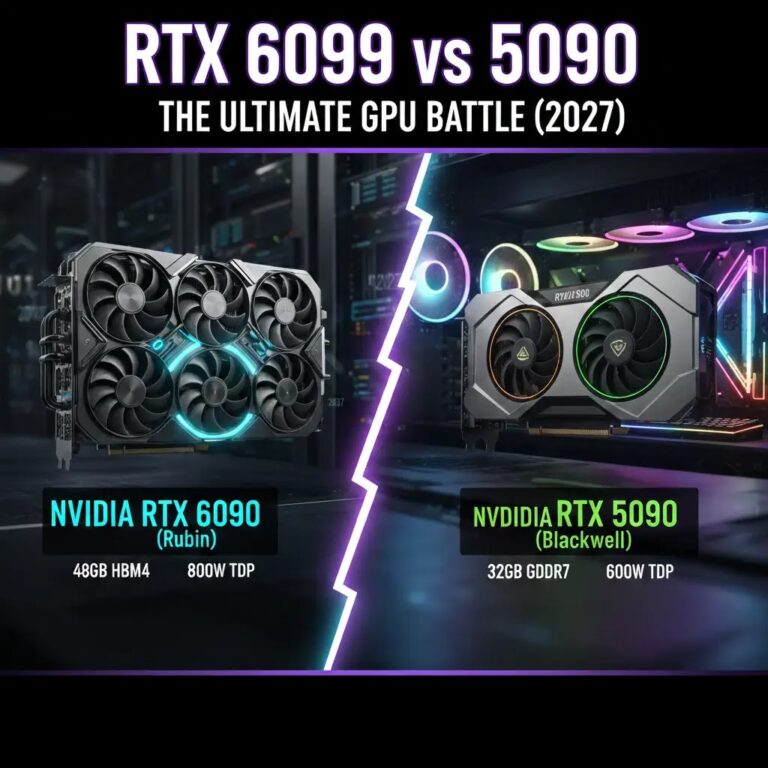
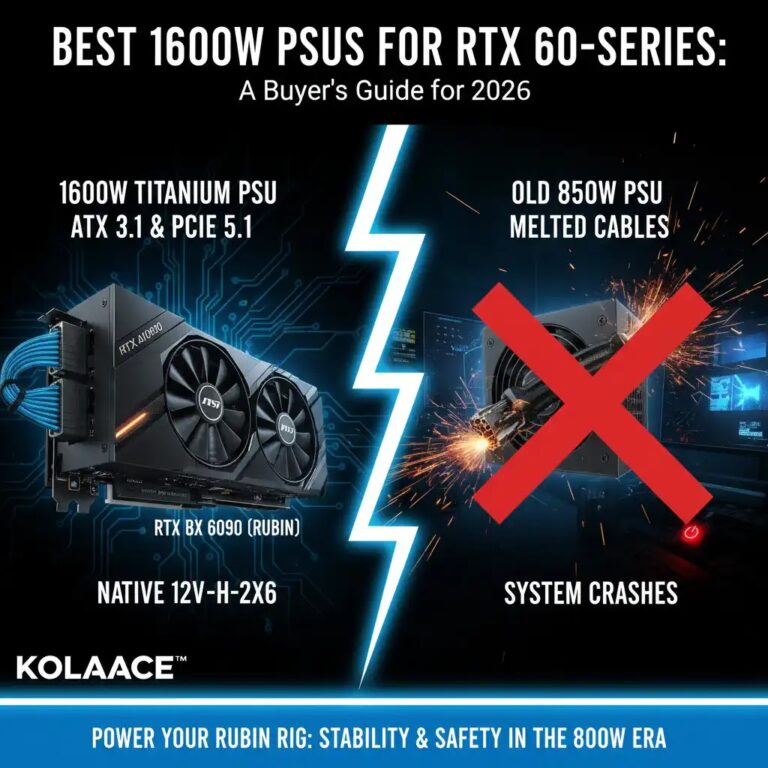
With next generation GPUs expected to reach 600W to 800W power draw, the entire power ecosystem of a PC is changing. Builders who try to run these systems on older 750W or even 1000W power supplies often face random shutdowns, instability, or long term hardware stress.
This guide explains what is actually changing, what wattage you really need, and how to choose a PSU that will not limit your system in 2027 and beyond.
I. Why Power Requirements Are Increasing So Fast
Modern GPUs are no longer just for gaming. They now handle AI workloads, real time ray tracing, video rendering, and simulation tasks. Each of these adds continuous load on the GPU, which increases total power consumption.
However, the bigger issue is not average power usage. It is sudden spikes. A GPU rated at 700W can briefly jump much higher for milliseconds. These spikes can trip weaker PSUs even if the average load looks safe.
From testing real builds, most instability issues today are not due to lack of total wattage. They are caused by poor spike handling.
| GPU Class | Estimated Power | Recommended PSU |
|---|---|---|
| Flagship GPUs | 650W to 800W | 1600W or higher |
| High-end GPUs | 450W to 550W | 1200W |
| Mid-range GPUs | 250W to 350W | 850W |
II. Understanding ATX 4.1 and New Power Standards
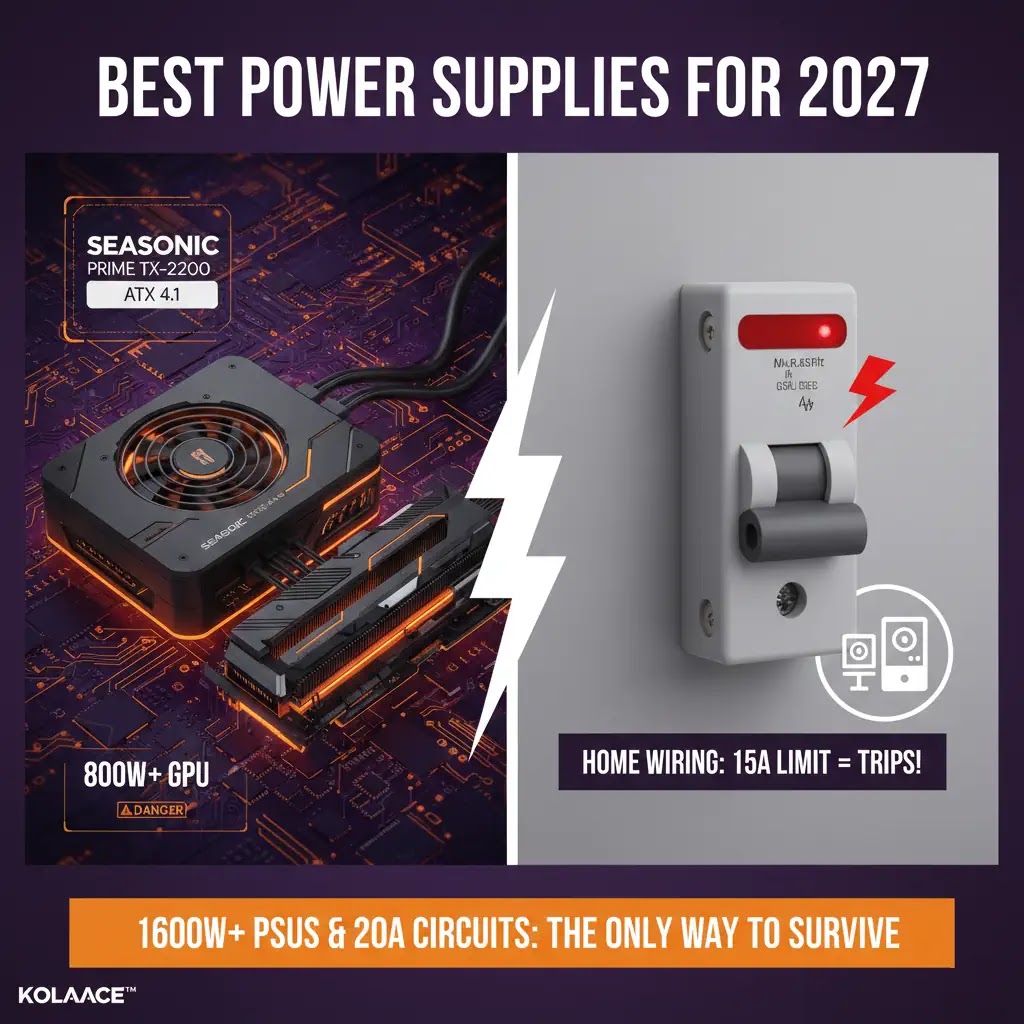
Power supply standards are also evolving. ATX 4.1 is expected to become common in high end systems. It improves how power is delivered and monitored.
Older PSUs treat the GPU as a passive load. Newer designs actively communicate with the GPU. This helps manage spikes more efficiently and reduces sudden shutdown risks.
The updated 12V connector design also improves safety when dealing with high current loads. This becomes critical as GPUs cross 600W usage.
Demand Growth for High Wattage PSUs
High wattage PSUs are becoming common in enthusiast builds.
III. How to Choose the Right PSU Step by Step
Step 1: Calculate Total System Load
Include GPU, CPU, storage, cooling, and peripherals. Always add a safety margin of at least 30 percent.
Step 2: Consider Future Upgrades
If you plan to upgrade your GPU later, choose a higher wattage PSU now. This avoids replacing it again.
Step 3: Check Efficiency Rating
Gold is acceptable, but Platinum and Titanium are better for high power systems. They waste less energy and produce less heat.
Step 4: Verify Connector Support
Ensure the PSU supports latest connectors required for new GPUs. This avoids using adapters.
IV. Real World Use Cases
For content creators, a stable PSU means uninterrupted rendering. For developers running AI models, it means consistent performance without crashes. For gamers, it prevents sudden shutdowns during long sessions.
In small business setups like video editing studios or design agencies, power stability directly affects productivity. Even one crash during a long export can waste hours of work.
- Video editing studios running 4K workflows
- AI developers training local models
- Gaming setups with high end GPUs
V. Pros and Cons of High Wattage PSUs
Advantages
- Better stability under load
- Handles power spikes safely
- Improves long term reliability
Disadvantages
- Higher upfront cost
- Larger physical size
- May be unnecessary for basic systems
VI. Who Should Upgrade and Who Should Wait
Upgrade if:
- You plan to buy next generation flagship GPU
- You run heavy workloads like AI or rendering
- You want long term stability without future upgrades
Wait if:
- You use mid-range GPUs
- Your workload is light or casual
- You rely mainly on cloud computing
VII. Practical Tips for Safe High Power Builds
- Use a dedicated power line if possible
- Avoid low quality extension boards
- Ensure proper airflow inside the case
- Keep PSU load between 40 to 70 percent for best efficiency
Final Takeaway
Power supplies are no longer a background component. They directly impact system performance, reliability, and upgrade flexibility. Investing in a high quality PSU today can save money and frustration later.
Frequently Asked Questions