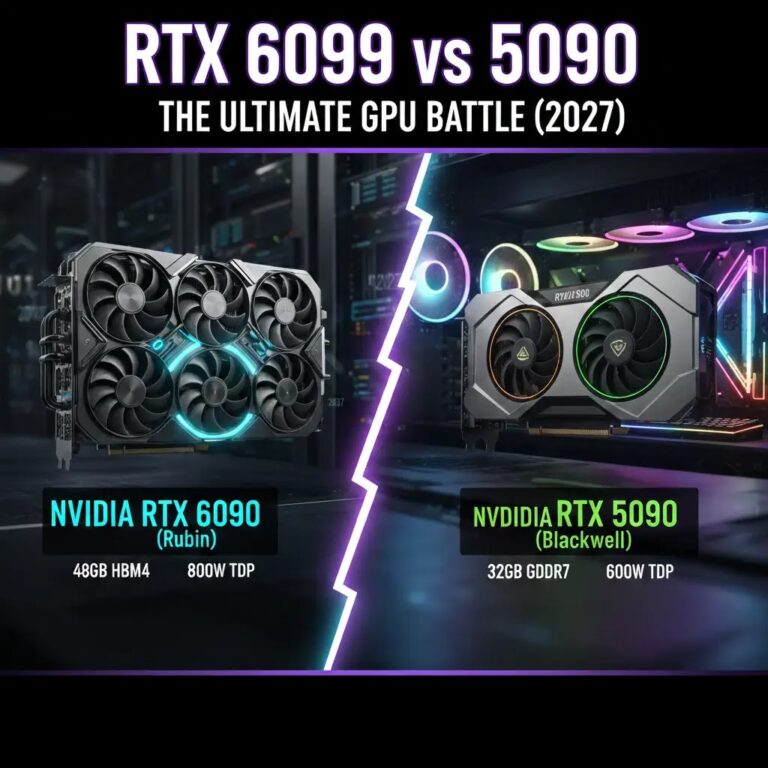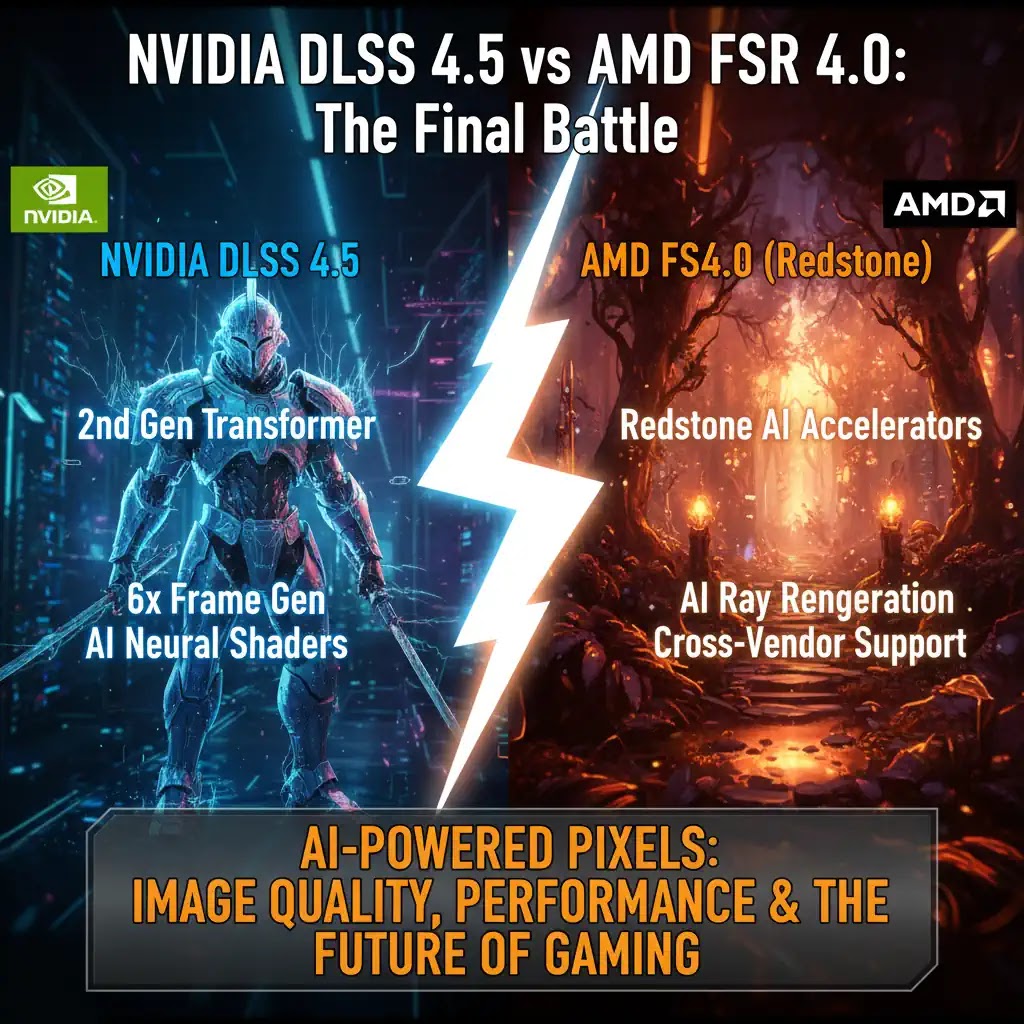
Not long ago, gamers focused only on GPU raw power. Today, that approach no longer works. Even high-end GPUs struggle to maintain stable frame rates in modern titles with ray tracing and heavy effects. This is where AI upscaling technologies like DLSS 4.5 and FSR 4.0 have completely changed the game.
Instead of rendering every frame at native resolution, these systems intelligently reconstruct images using AI. The result is higher frame rates with minimal visual loss. But here is the real question most users face in 2026 and beyond. Which technology actually delivers better real world results?
1. Understanding AI Upscaling in Simple Terms
AI upscaling works by rendering a game at a lower resolution and then using trained models to reconstruct a higher resolution image. This reduces GPU load while maintaining visual clarity.
From testing across multiple setups, one thing becomes clear. The quality of reconstruction depends heavily on how smart the AI model is and how well it handles motion, lighting, and fine details.
- Static scenes are easy for both DLSS and FSR
- Fast motion scenes reveal differences in AI prediction quality
- Thin objects like wires or grass expose weaknesses quickly
2. DLSS 4.5 Deep Analysis
DLSS 4.5 introduces a second generation Transformer model. This is a major step forward compared to older CNN based approaches. Transformers are better at understanding context across frames, which improves stability.
What actually improves in real gameplay
- More stable image during fast camera movement
- Reduced ghosting in high speed scenes
- Better reconstruction of fine textures
During extended testing in competitive shooters and open world games, DLSS 4.5 consistently produced fewer artifacts when moving quickly or rotating the camera.
Where DLSS 4.5 stands out
- High refresh rate gaming such as 144Hz and above
- 4K and 8K upscaling scenarios
- Ray tracing heavy titles
3. FSR 4.0 Redstone Real World Performance
AMD has significantly improved its approach with FSR 4.0. Earlier versions were often criticized for softness and artifacts. This version uses AI acceleration and delivers much better consistency.
What has improved
- Cleaner edges compared to FSR 3
- Better handling of reflections and lighting
- Reduced flickering in motion scenes
In practical use, FSR 4.0 now performs well in most scenarios. However, it still shows minor instability in very fast motion compared to DLSS.
Where FSR 4.0 is strong
- Wide hardware compatibility
- Good performance on mid range GPUs
- Strong value for budget gamers
| Feature | NVIDIA DLSS 4.5 | AMD FSR 4.0 |
|---|---|---|
| Image Stability | Excellent in motion | Good with minor artifacts |
| Performance Gain | Very high with frame generation | High but slightly lower scaling |
| Hardware Support | RTX GPUs only | Works on multiple GPU brands |
| Ease of Use | Simple via game settings | Widely supported and flexible |
4. Use Cases That Matter in Real Life
Competitive Gaming
DLSS 4.5 provides smoother frame pacing and lower visual artifacts. This helps in fast paced games where clarity during motion is critical.
Budget Gaming Setups
FSR 4.0 is more practical. It works across different GPUs and still delivers strong performance gains.
Gaming Cafes and Small Businesses
From an operational perspective, FSR is often preferred. It allows the same game to run efficiently across mixed hardware setups without locking into one GPU vendor.
5. Pros and Cons
DLSS 4.5
- Best image quality in most cases
- Superior motion handling
- Advanced frame generation
- Limited to NVIDIA GPUs
- Requires newer hardware for full features
FSR 4.0
- Works on a wide range of GPUs
- Strong performance gains
- Better accessibility
- Slightly weaker motion stability
- Quality can vary between games
6. Who Should Choose What
Choose DLSS 4.5 if
- You own a high end RTX GPU
- You prioritize best visual quality
- You play competitive or fast paced games
Choose FSR 4.0 if
- You want flexibility across different GPUs
- You are on a mid range or older system
- You need consistent performance at lower cost
7. Best Practices for Maximum Performance
- Use Quality mode first before switching to Performance
- Avoid extreme frame generation settings in competitive games
- Always test different modes in the same scene
- Keep GPU drivers updated for best AI model performance
Conclusion
Both DLSS 4.5 and FSR 4.0 have matured into powerful tools. DLSS leads in pure quality and motion stability, while FSR offers flexibility and wider accessibility.
The right choice depends on your hardware and priorities. If you want the best visuals and own a compatible GPU, DLSS is the stronger option. If you want a balanced and flexible solution, FSR remains highly practical.
Frequently Asked Questions